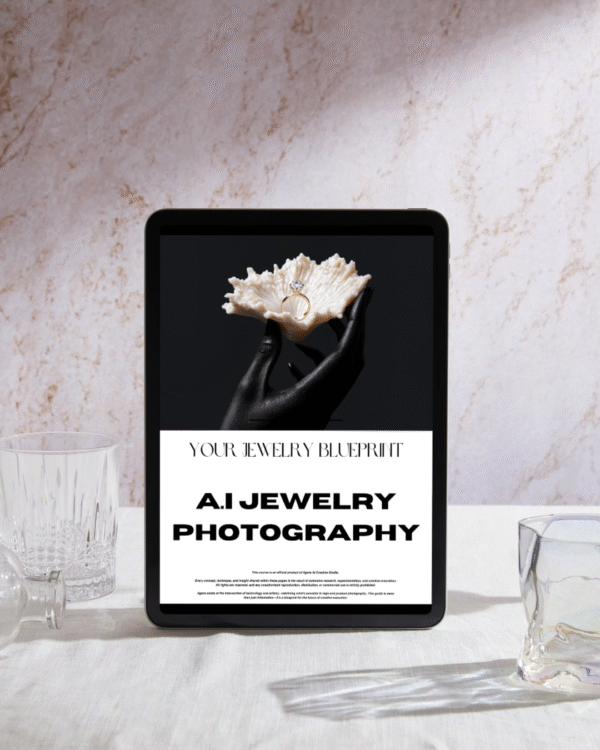
Master AI Jewelry Product Photography Guide
$49.00 Original price was: $49.00.$19.00Current price is: $19.00.

Master AI Jewelry Product Photography Guide
In today’s fast-moving digital marketplace, visual presentation plays a critical role in selling jewelry online. Every shimmering stone, gleaming metal, and intricate design needs to be displayed with flawless precision. Traditional photography is powerful, but AI technology is redefining how jewelers and brands capture their pieces. This Master AI Jewelry Product Photography Guide is your complete roadmap to mastering AI tools, lighting, styling, and editing for high-end jewelry visuals that convert views into sales.
Why AI is Revolutionizing Jewelry Photography
AI has changed how professionals approach product photography. Previously, capturing jewelry required expensive cameras, complex lighting setups, and skilled retouchers. Now, AI tools automate most of these steps, offering efficiency, consistency, and stunning visual quality.
With AI, even beginners can:
Automatically enhance lighting and reflections
Adjust sharpness and color balance
Remove backgrounds with precision
Generate realistic shadows and depth
Create lifestyle images without expensive setups
AI tools such as Runway ML, Midjourney, Remove.bg, and Adobe Firefly help photographers produce jewelry photos that look like they were shot in a luxury studio.
Essential Equipment for Jewelry Photography
Before diving into AI, it’s vital to understand the base photography setup:
Camera or Smartphone: A DSLR or mirrorless camera is ideal, but modern smartphones with AI-supported camera modes can also deliver excellent quality.
Macro Lens: Essential for close-up details that showcase the craftsmanship of jewelry.
Tripod: Ensures stability and prevents blur in detailed product shots.
Lighting: Softbox lights, ring lights, or natural diffused light are best to avoid harsh reflections.
White or Gradient Backgrounds: Keeps the focus on the jewelry piece itself.
Once you capture a good base photo, the AI processing takes your image from great to extraordinary.
AI Tools to Perfect Your Jewelry Photos
1. AI Background Removal
Use tools like Remove.bg or Adobe Photoshop AI to cleanly remove distracting backgrounds. These tools preserve tiny jewelry details like chains or gemstones, giving your product a studio-quality look.
2. AI Lighting Correction
Tools such as Luminar Neo or Firefly AI adjust lighting levels, add natural shadows, and enhance sparkle—perfect for diamonds, gold, and gemstones.
3. AI Retouching and Polishing
AI retouching tools remove dust, scratches, or fingerprints from your product photo. Retouch4me or Pixlr AI can instantly polish metal surfaces to perfection without over-editing.
4. AI Color Enhancement
Jewelry colors, especially gold, silver, and gemstones, often lose vibrance under artificial lighting. AI color grading tools restore natural hues while maintaining accuracy.
5. AI Scene Generation
Want your jewelry to appear in lifestyle settings like a wedding shoot or luxury background? AI generators such as Midjourney or D-ID can place your product in high-end, photorealistic environments that attract more buyers.
Lighting Techniques for Jewelry Product Photography
Lighting is the soul of jewelry photography. Even with AI tools, capturing the correct light reflection and refraction ensures your edits look realistic.
Best Practices:
Use diffused light to minimize harsh reflections.
Place lights at 45° angles to highlight texture.
Use reflectors to balance shadows.
Experiment with LED lighting for gemstone sparkle.
Once you get a well-lit photo, use AI to refine brightness and tone mapping for that premium finish.
How AI Enhances Jewelry Detailing
Jewelry pieces often feature intricate details—fine engravings, gemstone cuts, and metal polish. AI can help amplify micro-details using smart sharpening algorithms.
AI-based super-resolution enhances low-resolution images.
Noise reduction models clean up grainy photos.
AI texture restoration brings out the natural shine and depth.
The result: crystal-clear images that elevate your jewelry brand identity.
Editing Workflow: Step-by-Step AI Jewelry Photography Process
Capture High-Resolution Base Image
Take multiple shots from different angles in soft lighting.Upload to AI Retouching Tool
Remove imperfections, balance color, and enhance clarity.Use AI Background Tool
Replace the background with clean white, black, or lifestyle scenes.Add Depth and Shadow Using AI Generators
Create natural drop shadows to make your jewelry look 3D and realistic.Final Touches and Branding
Add watermark, resize for web, and optimize file size for faster page loads.
This process ensures that every jewelry photo looks professional, luxurious, and trustworthy, encouraging customers to buy confidently.
Optimizing Jewelry Photos for E-Commerce
A perfect photo won’t perform if not optimized. Here’s how to prepare your AI-enhanced jewelry photos for maximum online visibility:
Use descriptive file names (e.g., “diamond-ring-rose-gold-ai-edit.jpg”)
Compress without losing quality using tools like TinyPNG.
Add alt text for SEO (e.g., “Rose gold diamond ring product photo”).
Maintain consistent image dimensions across your store for a clean layout.
Well-optimized images increase loading speed, improve user experience, and rank higher on search engines.
AI in Jewelry Marketing and Social Media
AI-powered images are not just for product listings. You can use them in:
Instagram reels with AI-generated motion effects
Pinterest boards for style inspiration
Website banners and ads featuring lifestyle AI imagery
These visuals tell a story and connect emotionally with buyers. Consistency in style, tone, and lighting helps build a recognizable brand identity.
Trends in AI Jewelry Product Photography
3D AI rendering: Simulate 360° product views.
Virtual try-on technology: Let customers visualize jewelry on themselves using AI models.
AI-driven styling assistants: Suggest complementary jewelry combinations.
Generative AI design: Create new jewelry concepts automatically.
Embracing these trends ensures you stay ahead of the competition in the ever-evolving jewelry industry.
Conclusion
The future of jewelry presentation lies in the fusion of creativity and artificial intelligence. This Master AI Jewelry Product Photography Guide helps you merge professional photography techniques with cutting-edge AI tools, giving your jewelry the luxurious spotlight it deserves. Whether you’re a small jewelry seller, an eCommerce entrepreneur, or a professional photographer, mastering these AI-powered methods will save you time, reduce costs, and deliver breathtaking results that outshine your competitors.