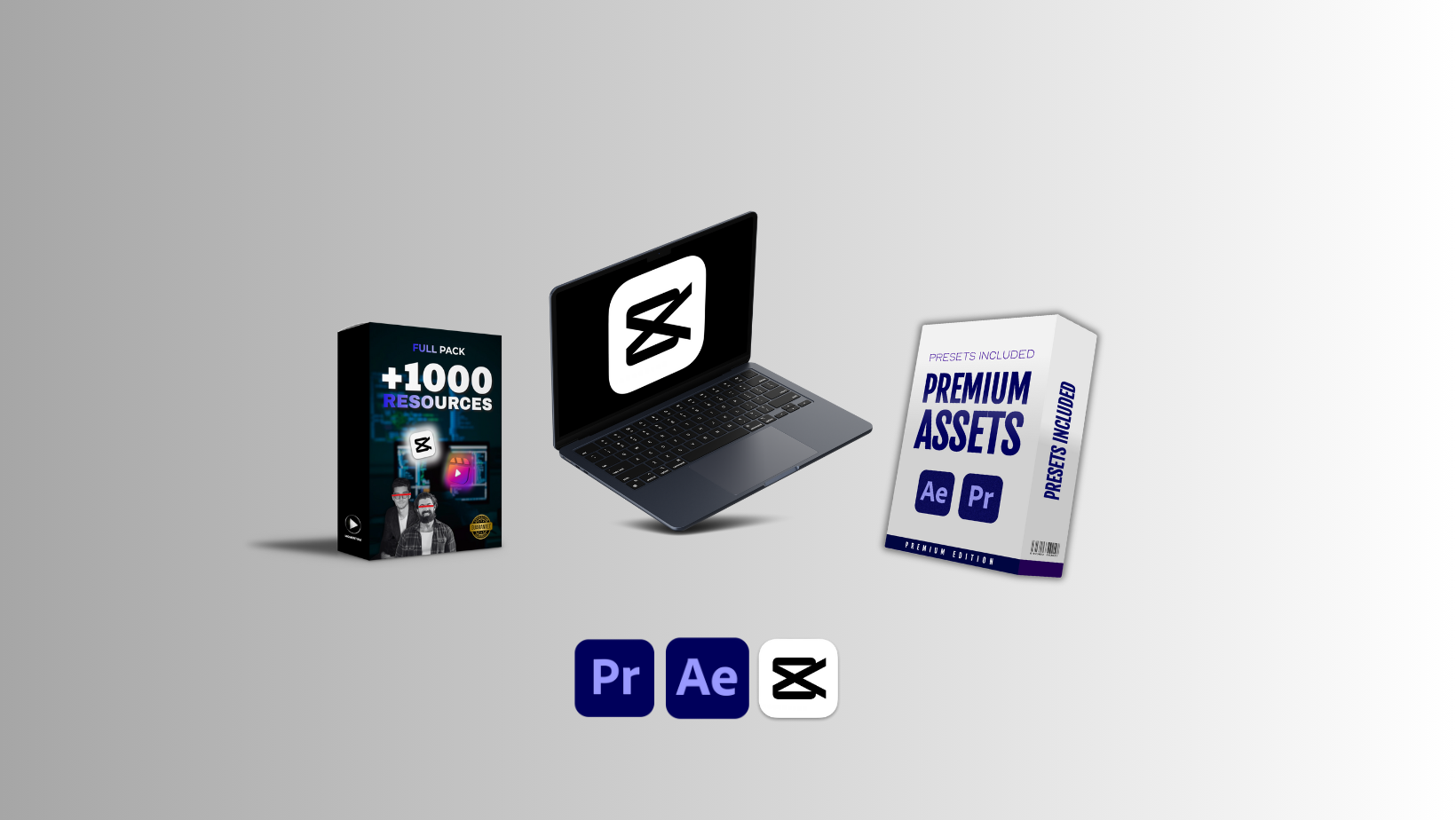
Capcut Mastery Course + Full Pack of Video Editing Assets + Premium Assets
$4,999.00 Original price was: $4,999.00.$170.00Current price is: $170.00.

CapCut Mastery Course + Full Pack of Video Editing Assets + Premium Assets: The Ultimate Guide for Next-Level Video Creation
Video creation has become one of the most powerful tools for building personal brands, driving business growth, and establishing authority in competitive digital spaces. Modern content creators rely on simple yet powerful editing platforms, and CapCut has emerged as a leading solution because it combines professional tools with an intuitive interface. Whether your goal is to create scroll-stopping short-form videos or polished long-form content, a structured learning approach can drastically improve your editing efficiency and creative output. This comprehensive guide explores how a complete mastery course, paired with a full pack of editing assets and additional premium resources, can transform your editing workflow.
Understanding the Power of a Structured CapCut Mastery Course
A dedicated learning program helps creators understand editing fundamentals while developing skills that elevate their content above the average. Many beginners edit through trial and error, which leads to slow progress and inconsistent results. A structured curriculum solves this problem because it guides you through each essential concept step by step.
Why a Mastery Course Matters
Learning CapCut through well-organized modules ensures that you understand both basic and advanced editing features. A professional course breaks down concepts such as timeline handling, clip trimming, font styling, audio balancing, transitions, overlays, and color grading. Each topic is explained in a way that helps you apply it immediately. Over time, this consistency builds muscle memory, allowing creators to edit much faster and produce more polished results without feeling overwhelmed.
Building Confidence with Real-World Projects
A strong course does not rely on theory alone. It includes hands-on projects that mimic real content formats, such as Instagram Reels, YouTube Shorts, cinematic edits, and branded promotional clips. Working with actual examples improves your understanding of pacing, storytelling flow, visual rhythm, and overall design aesthetics. This practical exposure prepares you to create content that resonates with a wider audience.
Exploring the Full Pack of Video Editing Assets
Editing becomes far more dynamic and efficient when you have access to high-quality video assets. A complete pack typically includes sound effects, motion graphics, overlays, transitions, color-grading LUTs, templates, and design presets. Each asset has a purpose, and together they create a professional visual experience without requiring hours of manual design work.
Why Editing Assets Save Time and Improve Consistency
Creators often lose valuable time designing every element from scratch. Templates and presets reduce this workload because they offer ready-made structures that complement your vision. When you use consistent fonts, color palettes, transitions, and overlays, your brand identity strengthens automatically. This consistency helps your viewers immediately recognize your content.
Types of Assets Included in a Full Pack
A well-curated asset bundle contains elements suitable for multiple video formats. Below are some essentials that enhance production quality:
1. Transitions and Motion Presets
Smooth transitions help maintain viewer engagement. High-quality motion presets add cinematic movement to clips, making every edit feel intentional and professional.
2. Text Animations and Typography Styles
Eye-catching text animations highlight important details and improve narrative flow. Typographic consistency plays an essential role in building brand identity.
3. Sound Effects and Audio Enhancements
Audio quality influences the overall viewer experience more than many new editors realize. Clean sound design, including whooshes, hits, risers, and ambient textures, creates rhythm and emotional impact.
4. LUTs and Color-Grading Presets
Color grading shapes the tone of your story. LUTs help create cinematic vibes, warm aesthetics, cool modern tones, or trendy pastel looks.
5. Overlays and Visual Effects
Light leaks, grain overlays, glitch effects, and bokeh elements add depth and texture to your visuals, making your videos stand out in crowded social feeds.
Premium Assets and Their Role in Professional Video Editing
Premium assets differ from regular editing resources because they often contain higher-resolution content, exclusive presets, and specialized elements that significantly elevate production value. These exclusive materials help creators produce studio-quality content even when editing entirely on a smartphone.
What Makes Premium Assets Unique
Premium resources are designed with advanced creators in mind. They often include professionally mixed audio libraries, cinematic color presets, branded templates, and exclusive effects not commonly found in free collections. Using such materials helps your videos look sharper, more modern, and visually appealing.
How Premium Assets Enhance Branding and Engagement
High-quality visuals directly influence audience retention. When your content features polished animations, balanced color tones, engaging audio cues, and smooth transitions, viewers are more likely to watch until the end. Premium tools also help create a distinct visual identity that sets your content apart from competitors, increasing your chances of going viral or building long-term follower relationships.
Combining Training and Assets for Maximum Creativity
A mastery course provides the knowledge, while assets supply the creative tools. When combined, they create a powerful environment where creators can experiment freely and produce professional-grade videos with minimal effort. This synergy encourages continuous improvement and rapid growth.
Creating a Smooth Editing Workflow
A streamlined workflow helps you edit faster while maintaining quality. Below is an example of an efficient process:
Organize your clips before starting the project.
Apply rough cuts to focus on storytelling.
Use transitions and motion presets to maintain flow.
Add text animations to enhance context.
Balance the audio using professional sound effects.
Apply color-grading LUTs for a polished look.
Export the video in the highest possible quality.
Following a consistent workflow eliminates confusion and keeps your creative process productive.
Developing Your Unique Style
Although assets offer ready-made solutions, how you combine them determines your signature editing style. Experimenting with color tones, pacing, motion direction, and sound design helps shape a unique identity that makes your content memorable.
Why CapCut Is Ideal for Modern Creators
CapCut has quickly become the preferred tool for mobile and desktop editors because it blends simplicity with powerful features. It supports advanced functions like keyframing, speed ramping, masking, auto-captions, AI enhancements, background removal, and multi-layer editing. These tools make it suitable for both beginners and experienced creators.
Key Features That Benefit All Creators
AI-Powered Tools: Enhance facial features, adjust backgrounds, and auto-generate captions.
Multi-Layer Editing: Allows complex timelines similar to desktop editing software.
Speed Controls: Perfect for dynamic reels and dramatic cinematic sequences.
Green Screen Support: Enables creative storytelling and immersive edits.
Audio Adjustments: Includes voice effects, noise reduction, and music synchronization.
CapCut bridges the gap between mobile editing convenience and professional video production.
How This Complete Package Elevates Your Digital Journey
When you combine expert training, a comprehensive asset pack, and premium resources, you unlock a level of creativity that is hard to achieve with standard tools alone. This approach not only improves your editing quality but also boosts your content performance, helping you grow faster on platforms like Instagram, TikTok, YouTube, and Facebook.
Benefits for Content Creators
Faster editing speeds
More polished results
Stronger brand identity
Higher viewer retention
Better storytelling ability
Increased chances of virality
Improved confidence in your creative decisions
With these advantages, creators can consistently produce high-quality videos that capture attention and inspire engagement.
Final Thoughts
Mastering video editing requires a balance of structured learning, hands-on practice, and access to professional-grade assets. A complete CapCut training program, paired with expansive resource packs, empowers creators to push beyond basic editing and produce content that stands out across all digital platforms. This combination creates a transformative learning experience that supports long-term growth while unlocking advanced creative potential.